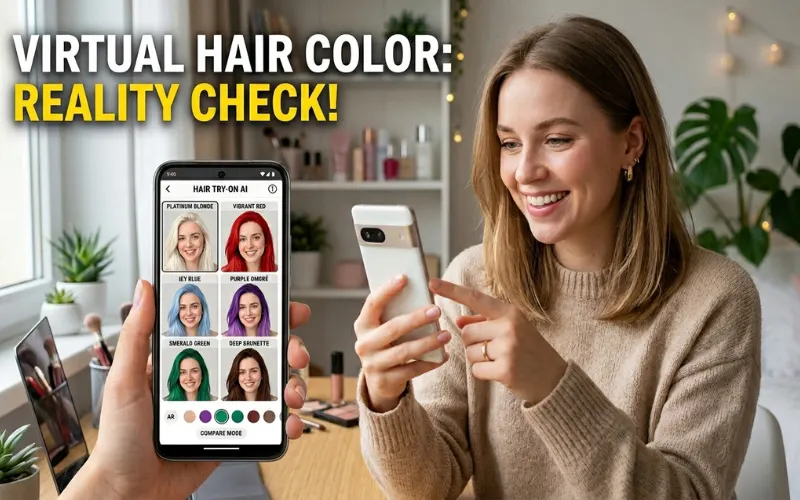
Thinking about going copper? Curious how you’d look with gray? A free hair color app lets you test drive shades on your actual photo before touching a box of dye.
I tested 10+ apps using the same selfie across all of them. Same lighting, same angle, same baseline hair color. Here’s what actually works, what wastes your time, and which ones are worth downloading.
Quick Comparison: Best Free Hair Color Apps at a Glance
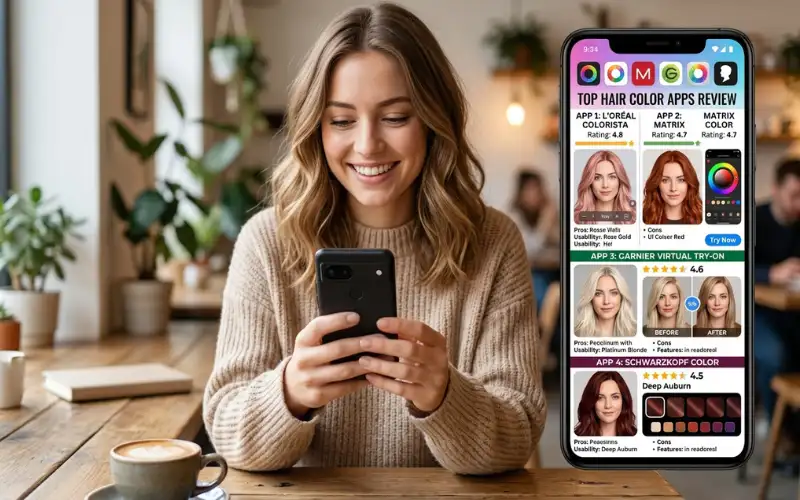
| App | Best For | Score | Free Shades | Dark Hair |
| YouCam Makeup | Natural shades, balayage | 8.4/10 | Wide | Yes |
| L’Oréal Try-On | Brand shade shopping | 8.1/10 | L’Oréal only | Yes |
| Garnier Try-On | Copper and auburn | 7.8/10 | Garnier only | Yes |
| CapCut | Vivid and fantasy colors | 7.2/10 | Wide | Partial |
| FaceApp | Quick casual previews | 6.5/10 | Moderate | Gray only |
| AirBrush | Highlights and ombre | 6.1/10 | Moderate | Inconsistent |
| Style My Hair | Salon shade reference | 6.0/10 | Professional | Yes |
| Perfect Corp | Hair + makeup together | 5.7/10 | Moderate | Partial |
| Hair Color Changer | Dark hair fallback | 4.8/10 | Wide | Yes |
| Fabby Look | Quick casual use | 4.2/10 | Limited | No |
AR Filter vs. AI Photo Tool: Know Before You Download
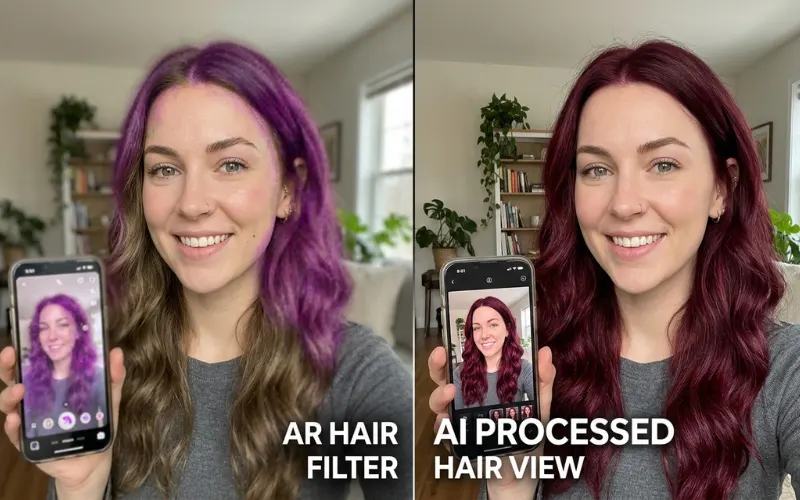
Two different technologies, two different use cases.
Real-time AR filters (FaceApp, CapCut) apply color over your live camera instantly. Fast and fun, but hairline edges are blurry and results look filtered in screenshots.
AI photo-processing tools (YouCam Makeup, L’Oréal browser tool) analyze an uploaded still photo, read your actual pigment and lighting, and render color on top. Slower by a few seconds, but the result is actually usable for a real decision.
Quick tip before you start: dark hair is genuinely harder to digitally recolor. If your base is medium brown to black, several apps will flat-out fail on blonde or platinum previews. I’ll flag which ones handle it.
The 10 Best Free Hair Color Apps, Reviewed
1. YouCam Makeup (Score: 8.4/10)
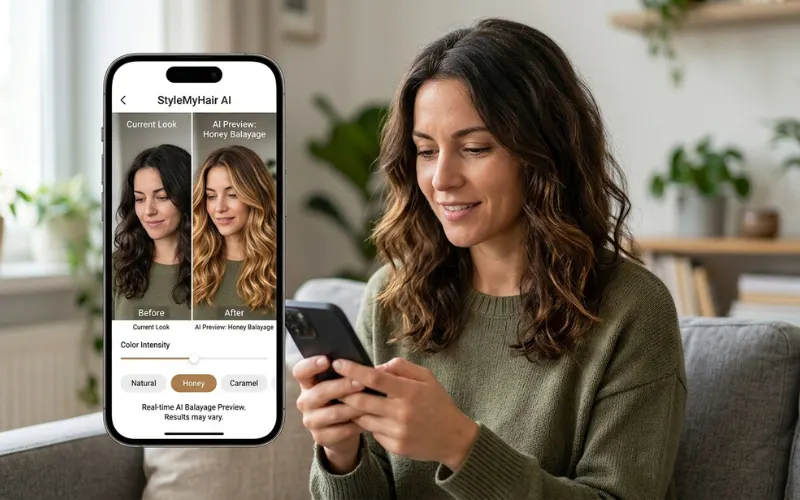
The most complete free hair color app I tested. The AI photo-processing gives you the sharpest hairline definition of anything on this list, and the free shade library covers almost every natural color family.
The balayage simulation caught me off guard. I tested honey balayage on dark brown hair and got a believable root-to-tip gradient, not a flat single tone. Most free apps can’t do that.
Pros:
- Widest free shade library tested
- Sharpest hairline rendering
- Handles balayage and highlight simulation
- Gray options include salt-and-pepper, silver, and platinum separately
- Works on textured and wavy hair better than most
- Save and share is free
Cons:
- Professional tone-on-tone shades locked behind subscription
- Slightly metallic overlay on very coarse or coiled hair
- Slower on older phones
Verdict: If you’re choosing one app to make a real hair color decision, this is it.
Available on iOS and Android.
2. L’Oréal Paris Virtual Hair Color Try-On (Score: 8.1/10)
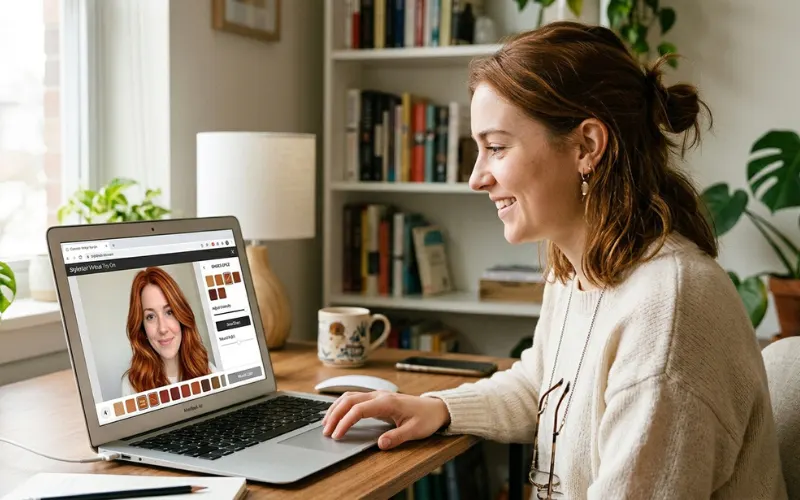
No download. No account. No paywall. Open it in any browser, upload your selfie or use your live camera, and the AR overlay lands in real time.
What separates it from generic filter apps: L’Oréal calibrated this tool against their actual dye formula pigment data. When you preview “Ginger Spice,” you’re seeing that specific formula’s pigment on hair, not a generic red-orange guess. That’s the difference between choosing a shade you like and choosing the right box.
Pros:
- No download or sign-in required
- Shade previews match real L’Oréal dye formulas
- Separate options for warm gray, cool silver, and icy platinum
- Completely free, no tiered paywall
Cons:
- Limited to L’Oréal’s product range only
- AR rendering slightly softer than YouCam Makeup on still photos
Verdict: The fastest starting point if you’re shopping L’Oréal. Zero friction, accurate shade data.
Access at lorealparisusa.com, no app store needed.
3. Garnier Virtual Hair Color Try-On (Score: 7.8/10)
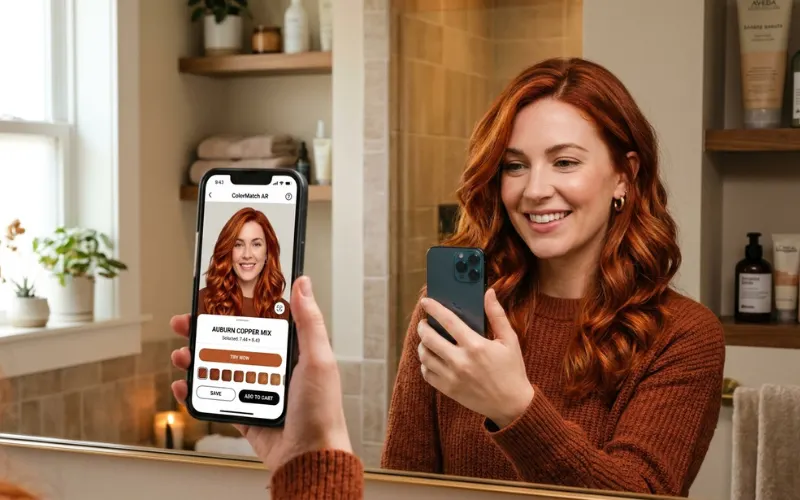
Also browser-based, also free, also no account required. Covers over 80 Garnier shades. The standout feature: you can email yourself a shortlist of your favorite preview results directly from the tool. That’s actually useful when you’re standing in a drugstore aisle and can’t remember which one you liked.
The copper and auburn library is the strongest of any free tool I tested. If you’re deciding between copper, auburn, mahogany, and strawberry, Garnier’s previews are noticeably more accurate than any generic filter app.
Pros:
- Over 80 shades, no login needed
- Built-in email shortlist for drugstore shopping
- Best copper and auburn rendering tested
- Completely free
Cons:
- Limited to Garnier’s range only
- AR camera tracking wobbles slightly more than L’Oréal’s tool
- Smaller gray shade selection
Verdict: Use this before you buy any Garnier box dye. The email shortlist alone makes it worth opening.
Access at garnierusa.com.
4. CapCut (Score: 7.2/10)
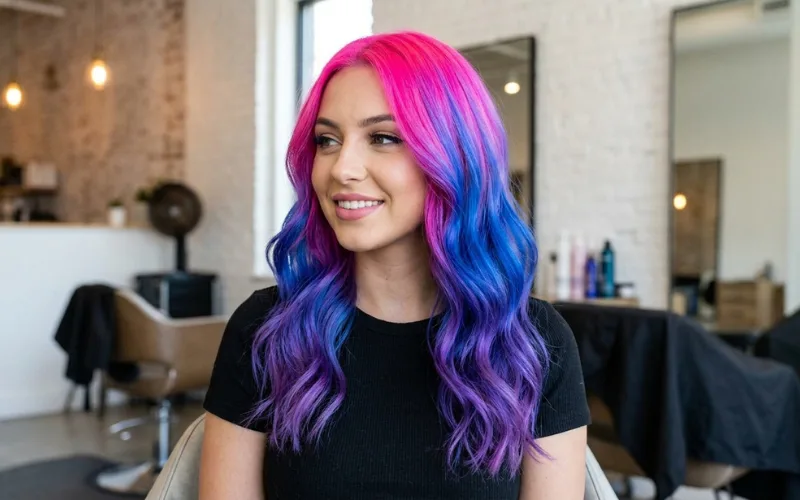
CapCut is a video editor. Hair color is a secondary feature. But its Hair Salon effect under the Effects tab is genuinely the best free tool for vivid, unconventional, or multi-tone colors.
You can layer color tones using masking, which means you can simulate balayage placement, two-tone dye jobs, and gradients that other apps can only fake with a flat overlay. And the hair color features are completely free with zero paywall.
Pros:
- Completely free, no paywall anywhere on hair features
- Best multi-tone and gradient layering of any free tool
- Handles vivid, fashion, and fantasy shades well
- Video mode is more convincing than still photo mode
Cons:
- Natural shades look less realistic than YouCam Makeup or brand tools
- Still photo results read slightly digital
- Workflow is sideways for a simple selfie test
Verdict: Best free option for vivid and creative colors. Not the right choice for natural shade decisions.
Available on iOS and Android.
5. FaceApp (Score: 6.5/10)
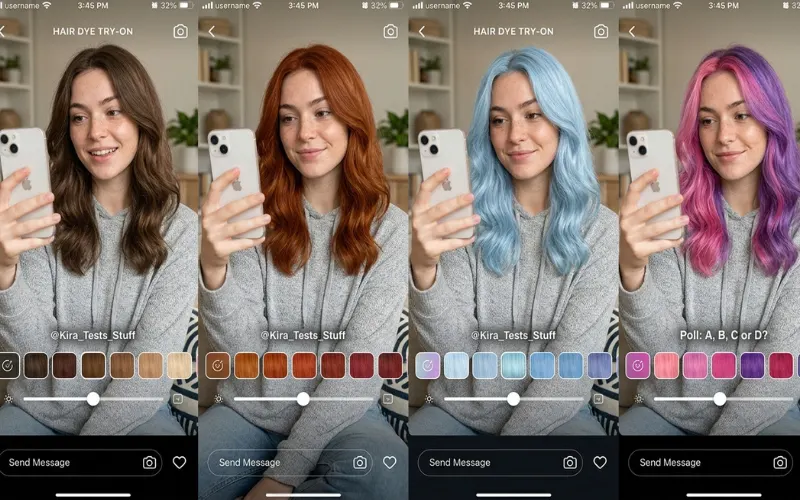
The fastest app on this list. Open, upload, pick a shade, done in under 30 seconds. For running through a dozen shades quickly, nothing comes close.
The problem: FaceApp softens hairline edges and adds a subtle glow across the whole image. It reads like an Instagram filter more than a real hair color change. When I tested copper auburn on FaceApp vs. YouCam Makeup side by side, FaceApp’s hairline was noticeably blurrier and the result looked edited rather than realistic.
The gray filter is the one exception. It actually performed well on dark brown base hair, which surprised me.
Pros:
- Fastest results of any app tested
- Free tier covers most color categories
- Gray filter works well on dark hair
Cons:
- Blurry hairline rendering
- Adds a filter-like glow that reduces realism
- Not reliable enough for real purchasing decisions
- Worth reading their data privacy policy before uploading selfies
Verdict: Good for fast casual experimentation. Not for making a real decision.
Available on iOS and Android.
6. AirBrush (Score: 6.1/10)
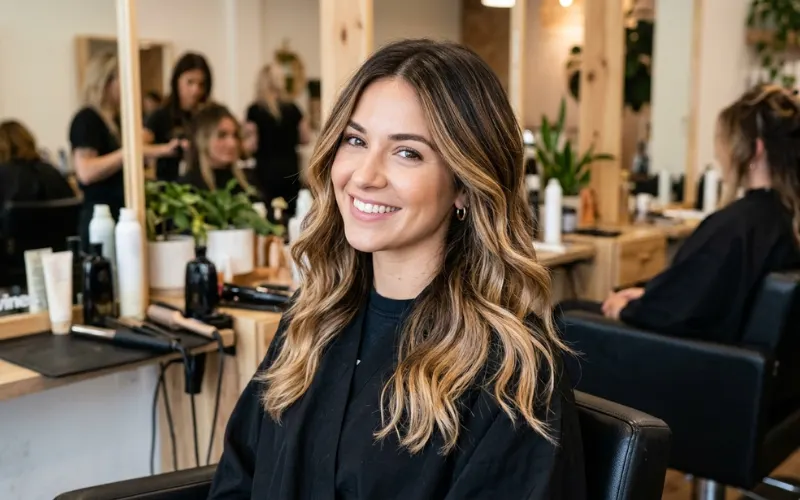
The only free tool I tested that lets you recolor specific sections rather than the whole head. The hair color slider targets roots only, mid-lengths only, or ends only. That makes it uniquely useful for previewing root touch-ups, highlight placement, or how far down an ombre would sit.
For a full head color change it underperforms compared to the top picks. Free shade library is shallower, and results on dark base hair are inconsistent depending on the shade.
Pros:
- Partial recoloring by section (roots, mid, ends)
- Best free tool for highlight and ombre placement previews
- Available on iOS and Android
Cons:
- Weaker than top picks for full head color changes
- Shallower free shade library
- Inconsistent on dark base hair
Verdict: Download it specifically if you’re considering highlights or balayage rather than a full color change.
7. Style My Hair by L’Oréal Professionnel (Score: 6.0/10)
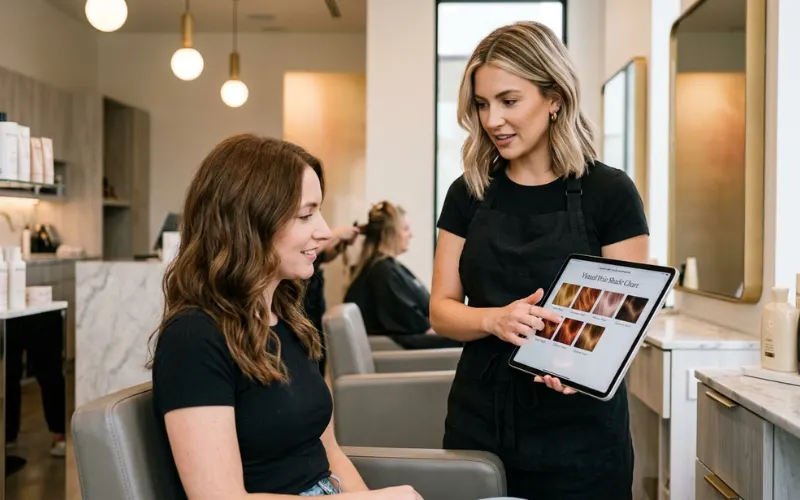
The salon-brand version of the L’Oréal consumer tool. The shade library pulls from professional lines like Majirel and Inoa, not available in the consumer browser tool. If you want to walk into a salon appointment with a specific reference shade rather than just a vague direction, this is where that vocabulary lives.
Combined hairstyle and color simulation in the same session is a useful extra feature.
Pros:
- Access to professional L’Oréal Professionnel shade families
- Combined hairstyle and color change in one session
- Useful for preparing for a salon consultation
Cons:
- Less polished experience than the consumer L’Oréal tool
- Some shades require signing in
- Requires app download
Verdict: Worth downloading if you’re prepping for a colorist appointment rather than shopping drugstore dye.
8. Perfect Corp / YouCam Perfect (Score: 5.7/10)
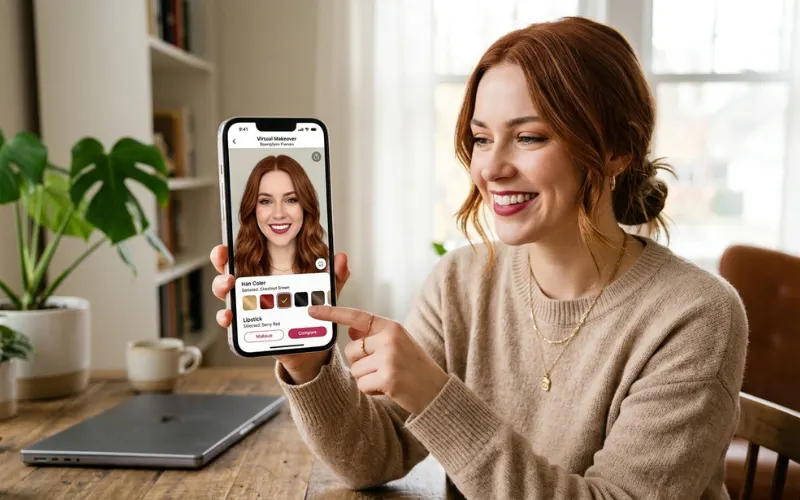
The best free tool if you want to see hair color and makeup changes in the same preview. You can layer a new hair shade on top of a new lip color and see the full look at once. No other free app does that.
Hair color rendering is less sharp than YouCam Makeup and the free shade library is narrower. But as a combined look-planning tool, it fills a gap nothing else on this list covers.
Pros:
- Hair color and makeup simulation together
- Hairstyle library alongside color
- Free tier available
Cons:
- Less accurate hair color rendering than YouCam Makeup
- Narrower free shade library
- Softer hairline definition
Verdict: Use it for full look planning. Not the right pick if hair color accuracy is the only goal.
Available on iOS and Android.
9. Hair Color Changer: Dye Style (Score: 4.8/10)
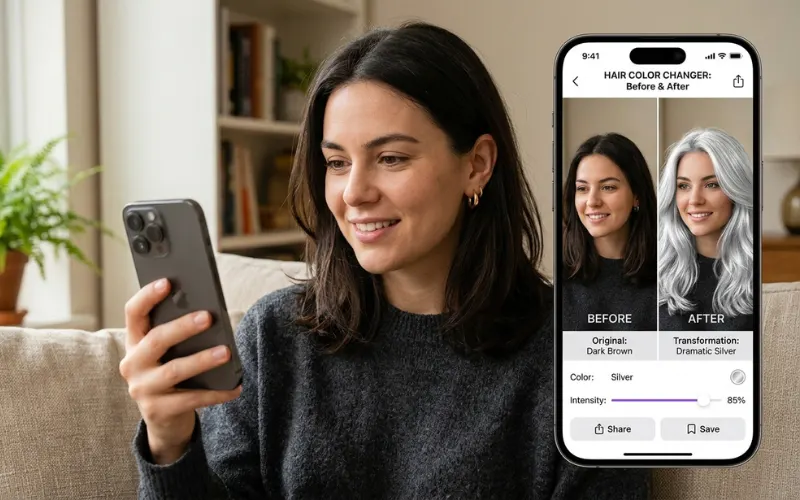
A large free shade library with a saturation slider and several gray options. The rendering looks digital rather than photographic.
What keeps it on this list: it actually works on very dark base hair where more polished apps give up. If your base is dark brown or black and other apps are failing, try this as a fallback.
Pros:
- Free with a large shade library
- Saturation adjustment available
- Multiple gray shades
- Works on dark base hair
Cons:
- Results look obviously digital
- Color halo effect at hairline
- Not reliable for real decisions
Verdict: Fallback option for dark hair when nothing else is working. Treat results as rough direction only.
10. Fabby Look (Score: 4.2/10)
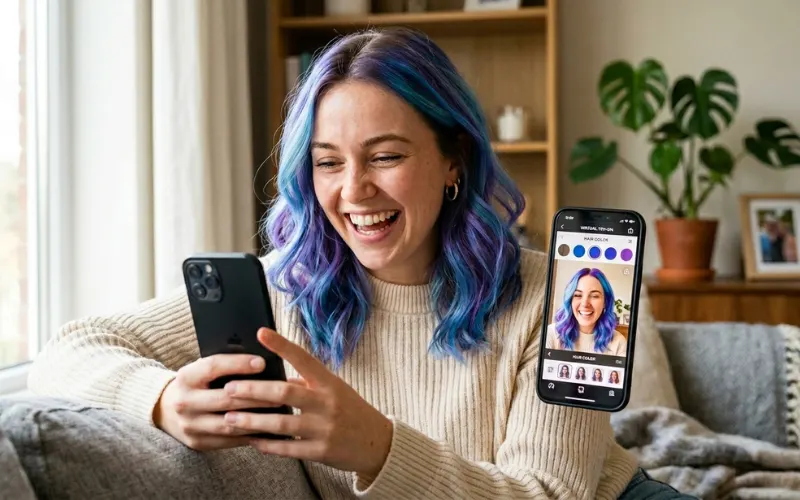
The easiest app to open with zero learning curve. Video mode produces more believable results than still photo processing. But the color filter consistently failed on dark brown base hair in still photos throughout my testing, there’s only one gray shade option, and there’s no saturation control.
Pros:
- Easiest to use immediately
- Video mode is decent
Cons:
- Fails on dark base hair in still photo mode
- Only one gray shade
- No saturation control
Verdict: Five minutes of casual curiosity. Not suitable for any real decision.
How to Get a Realistic Preview (It’s About the Photo, Not the App)
The single biggest factor in whether your preview looks real is not which app you pick. It’s the photo you start with.
I tested this directly. Same app, same shade, two photos: one under bathroom lighting, one facing a window in natural daylight. The bathroom photo produced a flat, muted preview where every shade looked washed out. The window photo gave me something I could actually use.
Follow this process for the most accurate result:
- Take a fresh photo facing a window in natural daylight. No flash, no overhead light, no backlighting.
- Choose the right app for your goal: natural shade decisions go to YouCam Makeup or a brand browser tool; vivid colors go to CapCut; quick casual tests go to FaceApp.
- Start with a color family (warm, cool, vivid) before picking a specific shade.
- Set opacity or saturation to 80-90%, not 100%. Full saturation always reads as a filter.
- Screenshot each result before switching. Compare options in your camera roll, not from memory.
- If the result looks wrong, switch apps before switching shades. Not every app handles every base color equally well.
If your hair is dark, test gray and platinum first. It’s the hardest rendering challenge, and how an app handles it tells you whether to trust it for everything else.
What Is the Best Free Hair Color App?
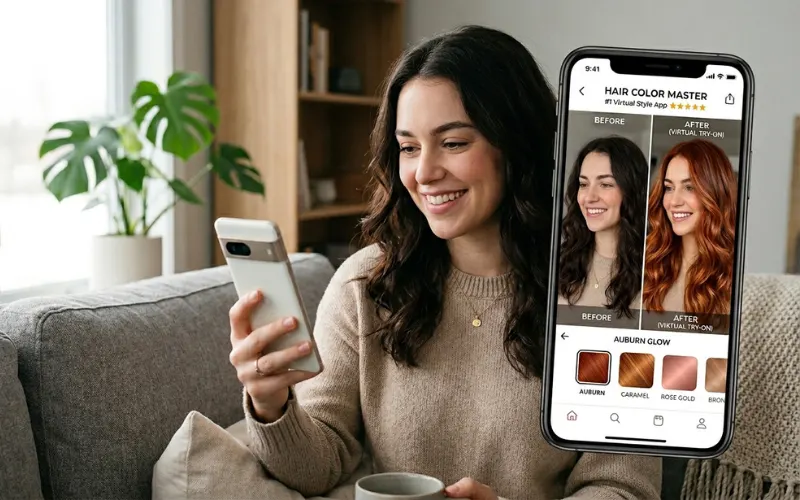
Depends what you’re trying to do:
- For natural shades: YouCam Makeup (8.4/10). Widest free library, sharpest rendering, best on textured hair.
- For L’Oréal shade shopping: L’Oréal Paris browser tool (8.1/10). No download, calibrated to real dye formulas.
- For Garnier shade shopping: Garnier browser tool (7.8/10). Best copper/auburn accuracy, email shortlist feature.
- For vivid and creative colors: CapCut (7.2/10). Best multi-tone layering, completely free.
- For zero setup: L’Oréal Paris browser tool. Open in any browser, done in under two minutes.
What Hair Color Suits Me? Using a Free App to Find Your Match
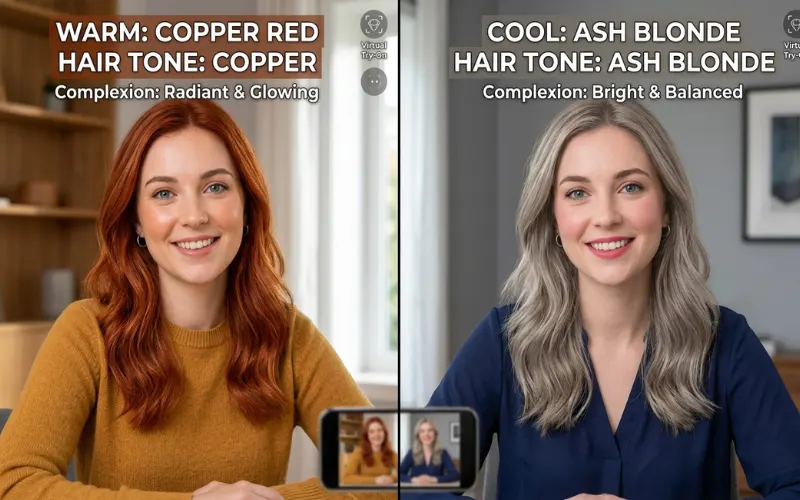
No free app auto-recommends shades based on skin undertone yet. But the try-on tools are fast enough that you can figure it out through direct comparison in about 15 minutes.
The framework colorists use:
| Undertone | Looks Like | Best Shades |
| Warm | Golden, peachy, or yellowish skin | Copper, honey blonde, chestnut, warm auburn |
| Cool | Pink, rosy, or slightly blue skin | Ash blonde, cool brown, burgundy, blue-black |
| Neutral | Neither strongly warm nor cool | Works across both families |
Test three to four shades within each family and compare screenshots. The right one usually becomes obvious fast. When I did this in YouCam Makeup with my olive complexion, warm copper looked flattering in the first preview. Ash blonde made my skin look flat. That took about four minutes.
One caveat: the app shows perfect color on untreated hair. If you’re lightening dark hair, the chemical reality involves your existing pigment, porosity, and multiple sessions. The preview sets your direction. Your colorist handles the gap between that direction and the actual result.
How Would I Look with Gray, Blonde, or Red Hair?
Gray hair
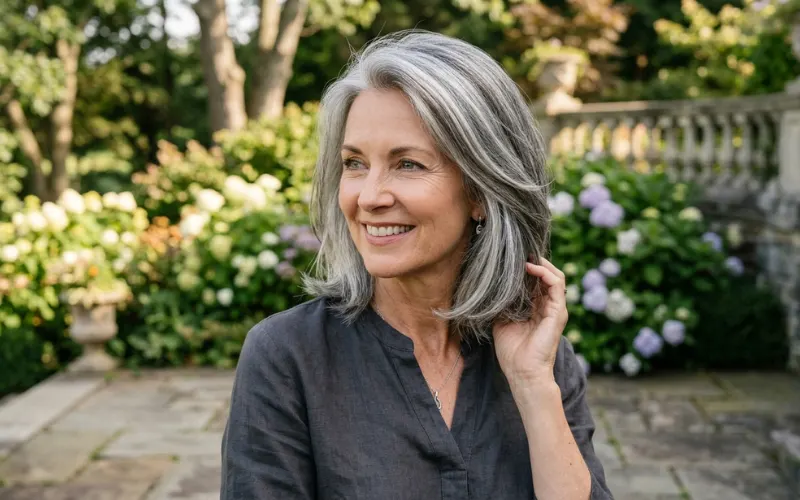
Best tool: L’Oréal Paris browser tool. It distinguishes between warm gray, cool silver, and icy platinum as separate options. Most apps collapse everything into one flat gray that doesn’t look like real hair.
- FaceApp gray: flat, slightly bluish, looks digital
- YouCam Makeup: good salt-and-pepper option, believable mid-transition look
- L’Oréal browser: best overall gray rendering, most distinct shade options
Want to see a partially grown-out transition? Set opacity to 50-70% in YouCam Makeup. It gives a believable blended result.
Blonde hair
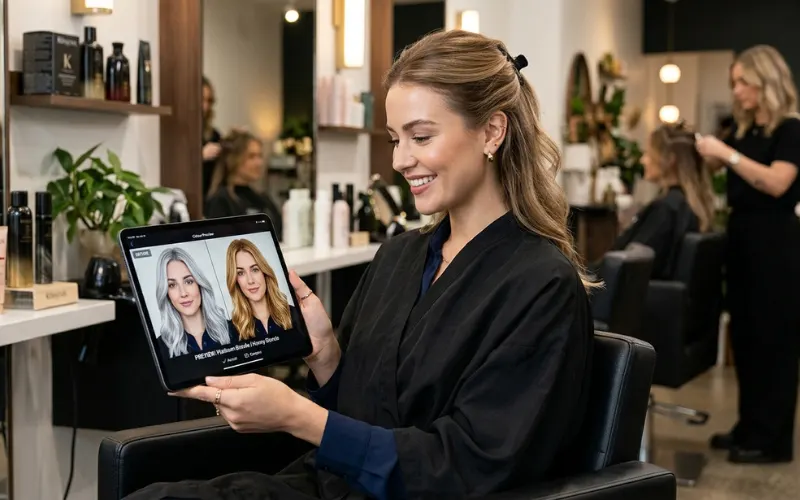
- Warm blonde, honey, and strawberry: CapCut and YouCam Makeup both work well
- Platinum and icy blonde: L’Oréal browser tool is more accurate, distinguishes warm vs. cool vs. pearl platinum
Red and copper shades
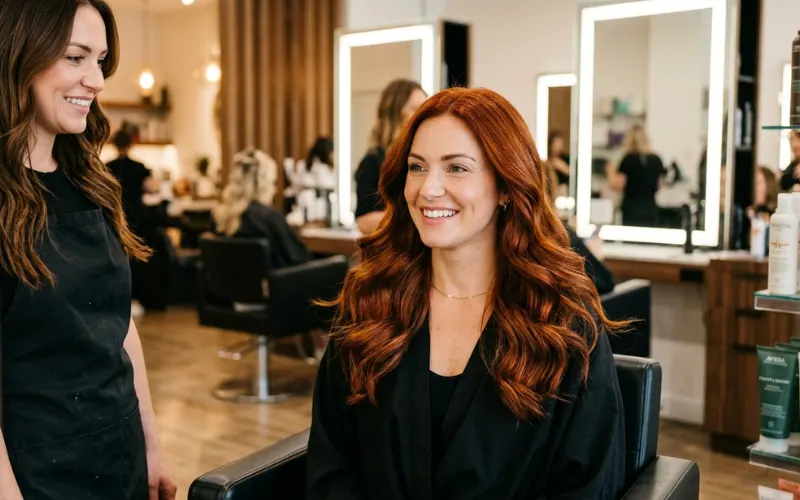
Best tool: Garnier Virtual Try-On. The deepest copper and auburn library of any free option tested. Generic filter apps in this color range tend to over-saturate and produce results that read as costume hair.
Is There a Free App for Trying Different Hairstyles Too?
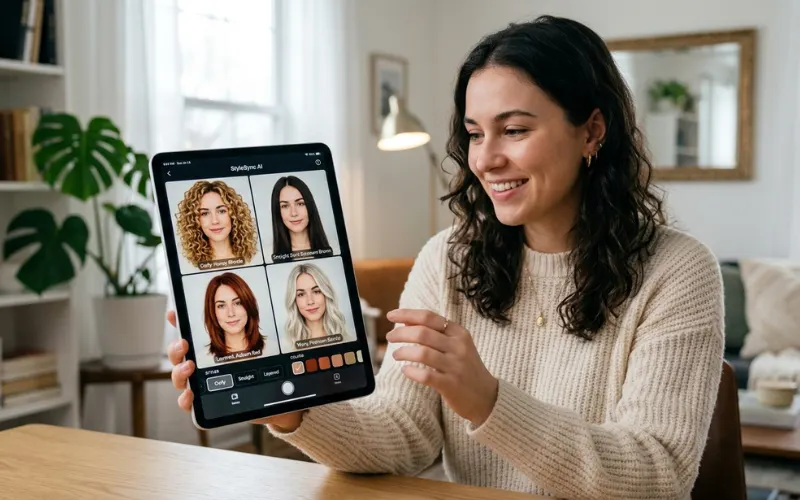
Yes. YouCam Makeup, FaceApp, and Perfect Corp all include hairstyle try-on alongside hair color.
YouCam Makeup is the best combined option. You can change your hairstyle and color in the same session without resetting the preview. It also preserves natural curl and texture structure better than FaceApp, which flattens coily and curly hair significantly in its style overlays.
One honest caveat: hairstyle simulations are less accurate than color simulations across every app I tested. Color changes are a straightforward overlay. Simulating a different physical hair structure is genuinely harder, and the technology shows its limits on textured, coily, and fine hair. Use hairstyle previews for general direction, not precise expectations.
What Free Hair Color Apps Can’t Do
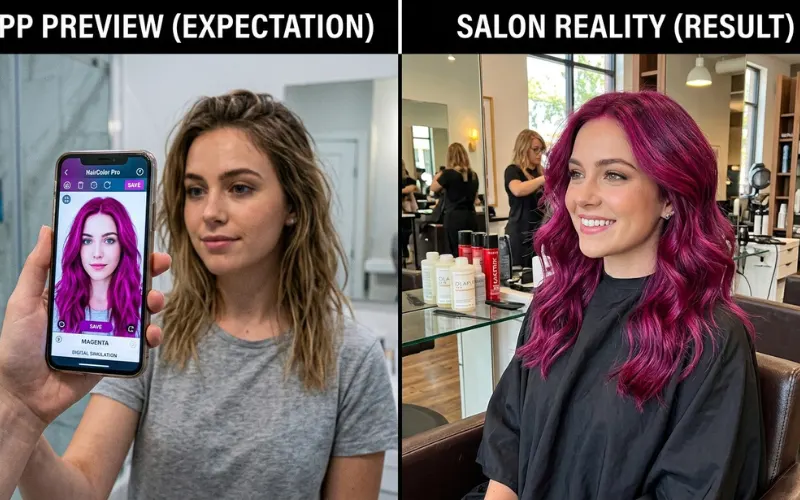
Know these limits before making any real decision based on a preview.
- They can’t simulate your chemical process. If you’re lightening dark hair, what the app shows and what bleach produces are two different things. Apps model the target color on untreated, perfectly healthy hair.
- Rendering drops on tight curl patterns, locs, and very fine hair. Results on these textures are rough direction only, not accurate previews.
- They only show Day One. Real color fades. Bleached hair goes brassy in weeks two or three. Red fades fastest. Apps don’t show Week Four.
- Free shade libraries are narrower than professional color lines. Brand browser tools come closest, but they’re still showing consumer ranges, not the full professional spectrum.
Use previews to narrow your shortlist to two or three shades. Then confirm with a strand test or colorist consultation before committing.
People Also Ask
What is the best free hair color app?
YouCam Makeup (8.4/10) for natural shades. L’Oréal Paris browser tool (8.1/10) for L’Oréal shade shopping. Garnier browser tool (7.8/10) for Garnier copper and auburn options. CapCut (7.2/10) for vivid and fantasy colors.
How can I see myself with different hair colors for free?
Open the L’Oréal Paris Virtual Hair Color Try-On at lorealparisusa.com with no download required, or download YouCam Makeup on iOS or Android. Photograph yourself facing a window in natural light before uploading. Set opacity to 80-90% for the most natural-looking result.
What hair color suits me? Is there a free app?
No free app auto-recommends shades by undertone. Use YouCam Makeup or the L’Oréal browser tool to test shades quickly by comparison. Warm undertones suit copper, honey, and chestnut. Cool undertones suit ash blonde, cool brown, and burgundy. Test three to four options in each family.
Is there an app that lets you try different hairstyles for free?
Yes. YouCam Makeup is the strongest combined option. It lets you apply a hairstyle change and color change in the same session, and handles textured hair better than FaceApp. Hairstyle simulations are less accurate than color simulations across all free apps, so use them as general direction rather than precise previews.
Final Verdict
Three picks that hold up after testing everything:
- YouCam Makeup for any natural shade decision
- L’Oréal or Garnier browser tools for brand-specific box dye shopping
- CapCut for vivid or unconventional colors
The brand browser tools are the most underused option on this list. They’re free, need no download, and preview real dye formula colors rather than generic shade approximations. If you’re choosing between two L’Oréal or Garnier shades, open their tool first. Everything else is a second step.
Take the photo in window light. That matters more than which app you pick.
Tested by the beautyliestruth.com editorial team using identical baseline selfies across all apps. Scores reflect realism, free tier shade depth, dark hair compatibility, and practical decision-making usefulness.
Read Next: 75+ Crazy Hair Day Ideas: Easy, Last-Minute & Wacky for Every Age
I spent the last 7+ years helping people discover what truly works for them in fashion and beauty. After styling clients in boutique fashion houses and testing countless skincare products myself, I learned one simple truth: the best style is the one that makes you feel confident every single day. On my blog, I share the same honest tips I give my friends: simple, practical, and a little inspiring.